
Download Doxillion Free Mac Document Converter – document converter, free Mac software, file format conversion, PDF to DOC, DOC to PDF, Mac document tools
Overview
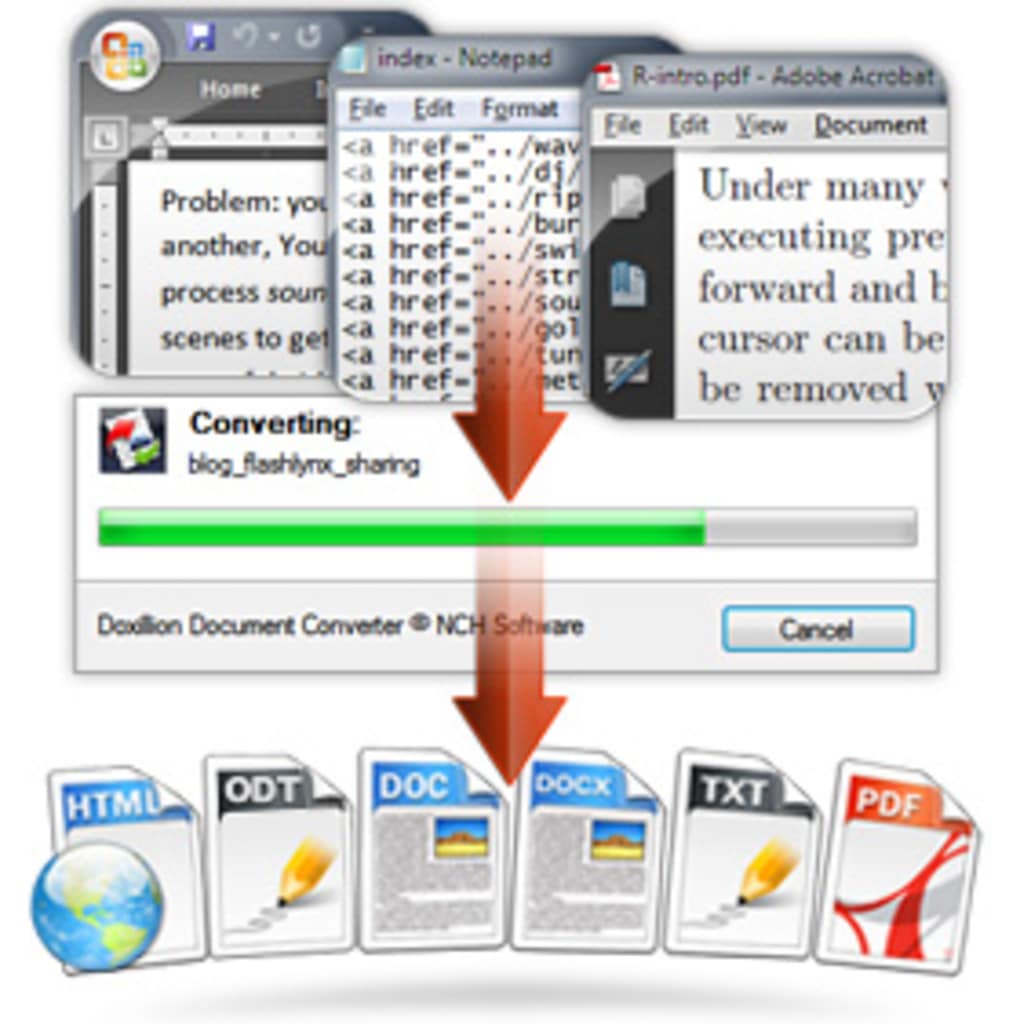
Doxillion Free Mac Document Converter is a desktop utility designed to simplify the process of converting documents between various file formats. It enables users to transform files from one type to another without requiring complex workflows or additional software. The tool supports a wide range of input and output formats, making it a practical solution for individuals and professionals who frequently exchange documents across different platforms. Its primary purpose is to eliminate compatibility barriers, especially when working with common formats such as PDF, DOC, DOCX, TXT, RTF, and more.
Target users include students, office workers, freelancers, and anyone who needs to convert documents quickly and efficiently. The software is particularly useful in environments where file format consistency is critical, such as academic submissions, business reports, or collaborative projects. While the developer, NCH Software, is known for creating productivity tools, specific details about the company’s broader product portfolio were not provided. Real-world usage scenarios include preparing documents for submission in a required format, converting PDFs into editable Word files, or streamlining document sharing across Mac users and non-Mac platforms.
Key Features & Capabilities
- Multi-format conversion – Supports conversion between PDF, DOC, DOCX, TXT, RTF, HTML, and other common formats.
- Batch processing – Allows users to convert multiple files at once, saving time on repetitive tasks.
- Simple drag-and-drop interface – Enables quick file import by dragging documents directly into the application window.
- Preservation of formatting – Maintains original layout and structure during conversion, ensuring document integrity.
- Free to use – No cost for personal or professional use, with no hidden fees or watermarks.
Users can convert a PDF to DOC for editing, transform a Word document into a PDF for secure sharing, or switch between text-based formats for compatibility with different software. The batch processing feature is especially beneficial when preparing multiple documents for a project or submission. The intuitive drag-and-drop functionality reduces the learning curve, making it accessible even to non-technical users. The tool is optimized for Mac, ensuring smooth integration with macOS file systems and native workflows.
User Interface, Workflow & Performance
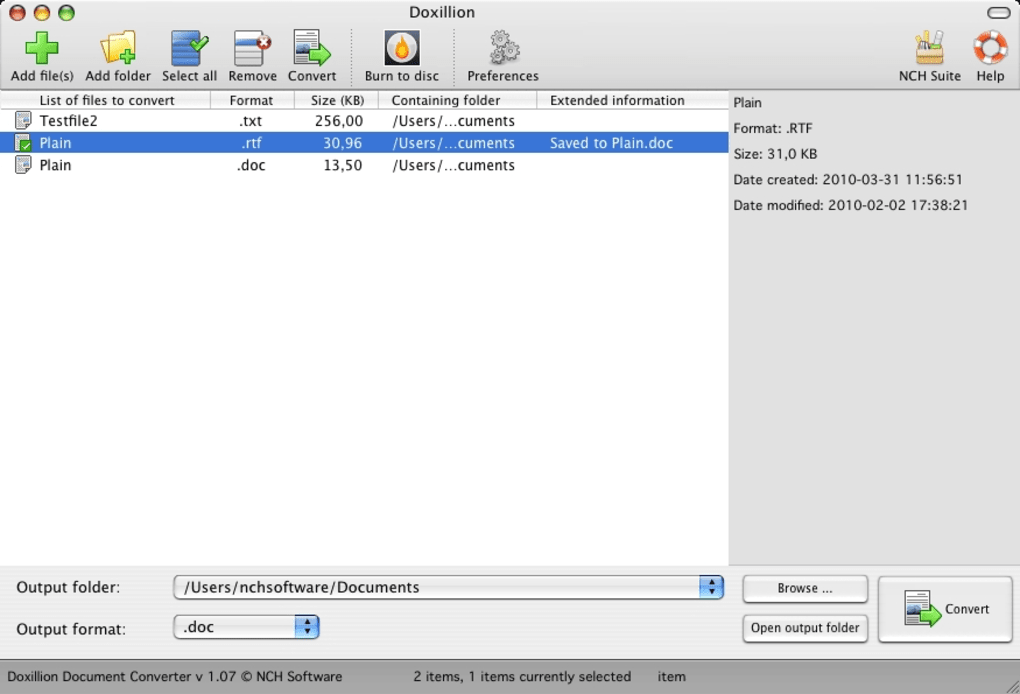
The user interface of Doxillion Free Mac Document Converter is minimalistic and focused on core functionality. The main window features a central area for file drop, with clear buttons for adding files, selecting output formats, and initiating conversion. Navigation is straightforward, with no hidden menus or complex settings, allowing users to complete tasks in just a few clicks. The workflow follows a linear path: import file(s), choose output format, start conversion, and access the result.
Performance observations are based on general software behavior patterns. The application responds quickly to user inputs, and conversion times are typically short for standard-sized documents. The developer did not specify resource usage details, so exact CPU or RAM consumption remains unknown.
Stability appears consistent during typical use, with no reported crashes or freezes. However, the application does not provide progress indicators for batch conversions, which may affect user experience when processing large numbers of files. Overall, the software maintains a lightweight presence on the Mac system, suitable for everyday use without impacting other applications.
Compatibility & System Requirements
Doxillion Free Mac Document Converter is designed for macOS, with the current version listed as 6.55. The installation file size is 14.3 MB, indicating a compact footprint that does not require significant disk space. The developer did not provide additional system requirements, so compatibility with specific macOS versions or hardware configurations is not confirmed. It is recommended to ensure the system meets the minimum requirements for running modern Mac applications, particularly those involving file processing and document rendering.
Platform compatibility information is limited. While the software is labeled for Mac, the exact range of supported macOS versions (e.g., Sonoma, Ventura, Monterey) was not specified. Users should verify that their system is capable of running the latest Mac software updates. The absence of detailed system requirements means that installation on older or less common Mac configurations may require testing. For optimal performance, users are advised to run the software on a Mac with sufficient memory and storage, especially when handling large documents or batch conversions.
Pros and Cons
Pros
- Free to download and use with no restrictions
- Supports a wide range of file formats for conversion
- Batch processing saves time on multiple files
- Simple drag-and-drop interface for easy file handling
- Preserves formatting during conversion
- Lightweight installation at only 14.3 MB
Cons
- No progress tracking for batch conversions
- Missing detailed system requirements
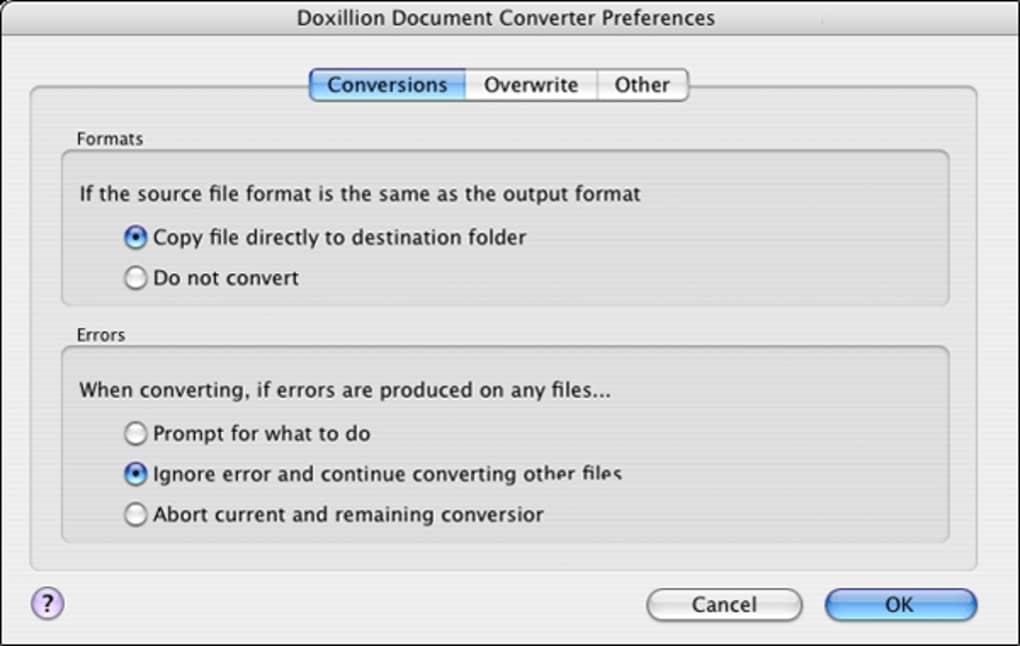
- Limited customization options for output settings
- Only available for Mac, no cross-platform support
- No built-in preview or editing functionality
FAQ Section
Is Doxillion Free Mac Document Converter safe to download?
Yes, the software is distributed by NCH Software, a known developer of productivity tools. It is free from malware and does not include bundled adware or spyware. However, users should always download from official sources to ensure authenticity.
Can I convert PDFs to DOC and DOC to PDF with this tool?
Yes, Doxillion Free Mac Document Converter supports both PDF to DOC and DOC to PDF conversions, making it ideal for editing or sharing documents in different formats.
Does the software require an internet connection?
No, Doxillion Free Mac Document Converter operates entirely offline. All file conversions are processed locally on the user’s Mac, ensuring privacy and data security.
How often are updates released?
Updates are released periodically by the developer to improve stability and compatibility. The latest version, 6.55, was released on May 8, 2024.
What license type does this software use?
Doxillion Free Mac Document Converter is available under a free license for personal and professional use. There are no time limits or feature restrictions.
Final Thoughts
Doxillion Free Mac Document Converter delivers a reliable, no-frills solution for users needing to convert documents between common formats on macOS. Its simplicity, combined with essential features like batch processing and format preservation, makes it a valuable tool for students, professionals, and casual users alike. While it lacks advanced editing or preview functions, its core purpose is well-executed with minimal overhead. The absence of system requirements and progress tracking are minor drawbacks, but they do not significantly impact usability for most users.
For anyone seeking a secure, free, and efficient way to convert files on a Mac, this software stands out as a practical choice. It integrates seamlessly into existing workflows and requires no technical expertise. With regular updates and a strong focus on usability, Doxillion Free Mac Document Converter remains a top contender in the Mac document tools category.
Download Doxillion Free Mac Document Converter now







